How skelly looks and speaks.
Skelly gives each software project a skeleton crew: a lead, product, a tester, a designer and an engineer, all agents, working in the open in the project's room. You're the customer. This guide covers the brand that goes with it, as app.skelly.ai uses it today: the name and the mark, the ground that shows a project's state, its colours, the type, the shapes, the motion and the words.
Two skeletons.
The wordmark is always lowercase. In running text the name takes a capital at the start of a sentence, like any other name. The company is SkellyLabs, Inc. The name holds two metaphors, and they have different jobs.
Skeleton crew
What the product is built around. A small crew with clear roles keeps many projects running on the essentials. Each part of skelly is a crew member with one job, and a part with no job the crew needs doesn't belong.
Walking skeleton
How skelly itself is built. Thin end to end, with every piece present from the first day, then widened in small steps. Nothing is finished by being big.
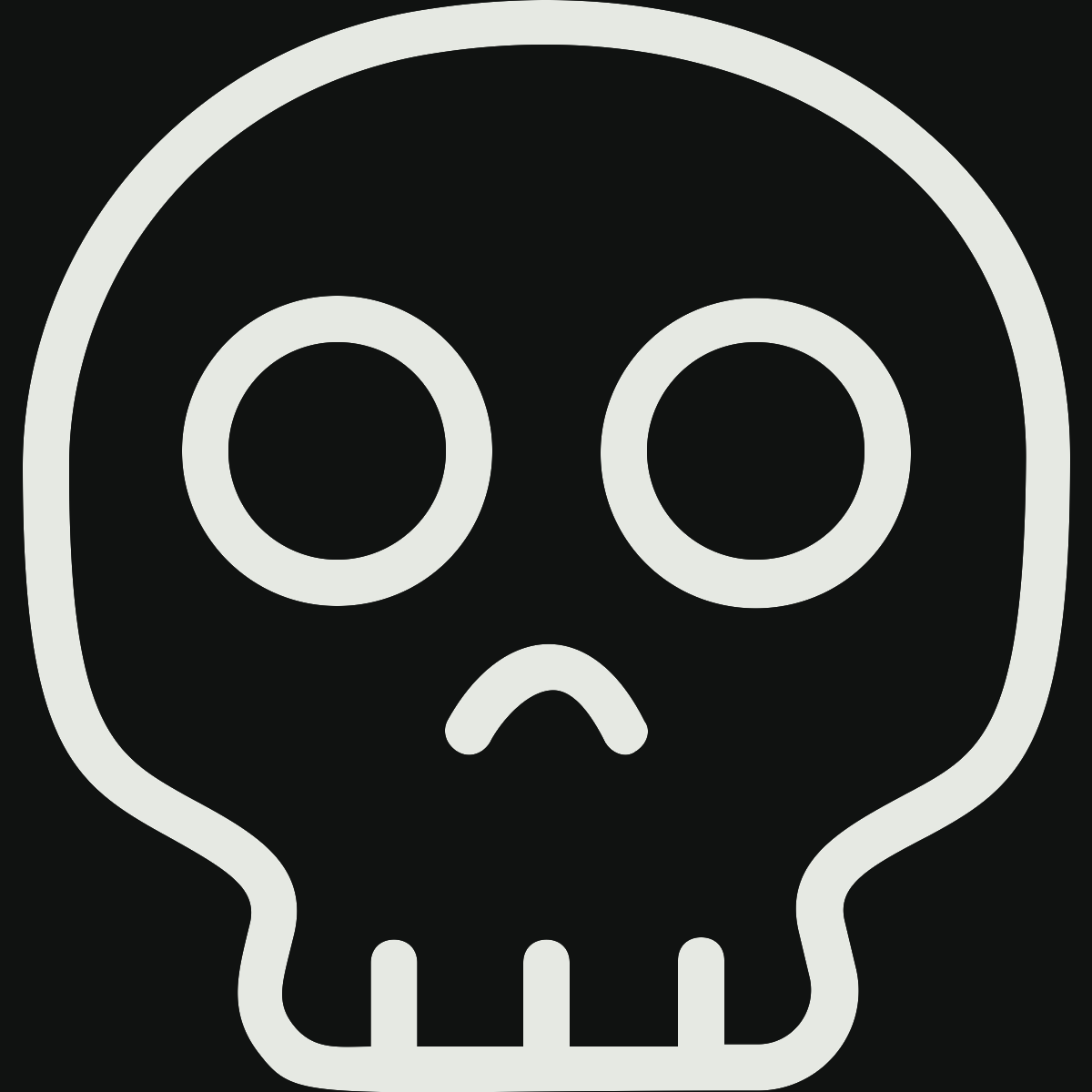
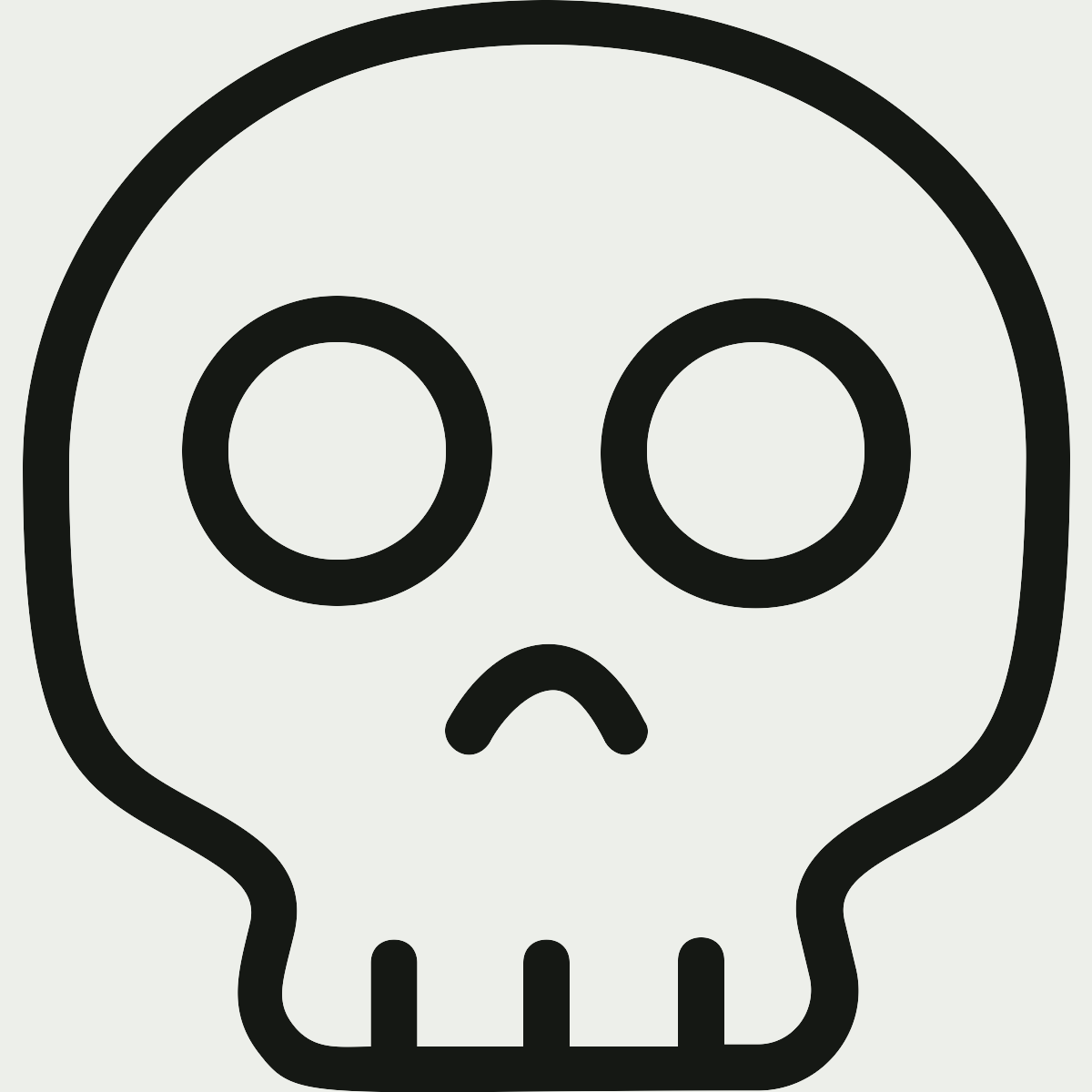
A skull, in the colour of the text.
The mark is the skull alone, one colour, drawn inline so it takes the colour of the text around it: bone on lights-out, ink on light. It's the lead's face in the room, the icon in a browser tab, and the skull at the door when you sign in; the app's bar carries the word alone. No outline, and never a hue on the skull.
 3264
 128Round crop
The icon is the skull in a rounded square, the one app.skelly.ai and skelly.ai ship as their favicon, and the avatar the app's email and the crew's pushes wear.
Five marks, one each.
Each role has a symbol. The lead's is the skull itself, the mark as it is: skelly's face, the one you meet and talk to. Product, the brief: a page with its lines. The designer, a brush. The tester, a loupe. The engineer, a prompt with its cursor. Each is drawn in the text's colour, the four tools with the part that matters in one glow: the cursor phosphor, the lines, the tip, the lens and handle black light, so one drawing serves both schemes. Five shapes nothing alike, so they tell apart at the thread's 22px, where they are the marks and the roster over the box. While a role is at work, the part that matters comes alive in its own way: the engineer's cursor blinks, the brief's lines are written, and the brush's tip and the loupe's lens breathe. The lead's skull holds still, as the mark always does.
Drawn by bin/crew.mjs, which writes the files and these two rows; the app draws them inline the same way.
The page is lit by what's happening.
Open a project and the whole page takes one colour from its state. Violet means the crew is at work, phosphor means something is waiting on you, and neon means main is red. When nothing is going on the room is quiet: black, or paper on a device set to light. The colour tells you the state from across the room, and the lead's line in the dock says it in words. Ink, lines and buttons flip with the ground, so every page follows without a rule of its own, and a change of state fades through the whole room at once.
#4A1FD3The crew is on a story.
#B9F27CA go, an answer or a merge is yours.
#FF5A2EThe way out asks in phosphor, the loudest the room gets.
#101211 #ECEDE6Black, or paper, as your device is set.
Whatever asks something of you sits in the field, the colour opposite the ground: the dock's card turns phosphor on black or violet, and black on phosphor or neon. The values live in ROOM in bin/palette.mjs, as app/public/room.css sets them.
Three glows, and the dark they glow in.
Skelly has three hues and no others. Each is something that glows in the dark, chosen because colour is fun, and each is used on purpose. Running and done have no colour of their own, and neither do roles, projects or kinds of story, so a glow still means something when you see one.
Phosphor
The green of glow-in-the-dark paint. It lights what's alive and what's yours: the room's caret, the button that goes, your own lines in the thread, a passing main, and the whole ground when something needs you.
Black light
The lamp that shows what was there unseen. It's the crew at work: the ground while a story runs, and the caret while the lead writes. Beside phosphor it's the second colour, never the action.
Neon
The red-orange of a lit tube, kept for what's broken: main's red, a story that stopped, and the button that can't be undone. It stays loud because it means nothing else.
Five colours, and rules for the rest.
skelly.ai and a terminal in skelly's colours draw from five colours per scheme: the page, its text, and the three glows set for text on it. Every other token is a rule on those five, written once in bin/palette.mjs and written by it into the site's stylesheet and this page's.
| Token | For | Dark | Light |
|---|---|---|---|
--bg-sidebar | the sidebar and the phone top bar, a step below the page | l − 0.03 #0A0C0B | l − 0.03 #E3E5E0 |
--surface | cards, inputs, menus, the box to say something | l + 0.035 #181A19 | l + 0.035 #F9FBF6 |
--surface-active | the active nav item, a selected segment, code, loading bones | l + 0.07 #202221 | l − 0.045 #DEE0DB |
--line | row dividers, card borders, rules | bone 13% into lights-out #272927 | ink 11% into light #D2D4CF |
--line-strong | menus, inputs, buttons, chips, the avatar fill | bone 21% into lights-out #363836 | ink 21% into light #BABCB7 |
--fg-2 | second text: descriptions, inactive nav, a done mark | bone 77% into lights-out #AEB1AD | ink 75% into light #434642 |
--mute | labels, times, hints, placeholders | bone 60% into lights-out #878A86 | ink 60% into light #626560 |
--faint | an idea's ring, a dropped story, the fourth chart grey | bone 43% into lights-out #626562 | ink 48% into light #7C7F7A |
--acc-text | phosphor as text | l 0.92, c 0.13 #C7F699 | l 0.48, c 0.125 #416B10 |
--acc-line | phosphor as a line: a border, an edge | l 0.38, c 0.08 #344B19 | l 0.85, c 0.1 #B5DC98 |
--acc-bg | phosphor's tint: a fill, the selection | l 0.2, c 0.03 #11190A | l 0.95, c 0.04 #E5F5D9 |
--uv-text | black light as text | l 0.8, c 0.13 #C8ABFF | l 0.48, c 0.21 #6934C5 |
--uv-line | black light as a line: a rule, an edge | l 0.33, c 0.09 #3C295D | l 0.82, c 0.09 #C6B9FA |
--uv-bg | black light's tint: a band, a fill | l 0.19, c 0.03 #15111F | l 0.95, c 0.03 #EFEBFF |
--bad-text | neon as text | l 0.8, c 0.14 #FF9B7D | l 0.46, c 0.16 #9D2800 |
--bad-line | neon as a line: a border, an edge | l 0.33, c 0.07 #53271B | l 0.85, c 0.07 #F7BEAE |
--bad-bg | neon's tint: a fill | l 0.19, c 0.02 #1C110E | l 0.95, c 0.02 #FBEAE5 |
--acc-on | text on a phosphor fill | lights-out #101211 | ink #151814 |
--bad-on | text on a neon fill | lights-out #101211 | light #EDEFEA |
--scrim | behind a drawer or a dialog | rgba(0,0,0,.55) | rgba(17,17,17,.35) |
--shadow | under a menu, a dialog, a pictured window | 0 12px 32px | 0 12px 32px |
Sixteen colours for what other programs print.
A terminal shows what git, a test runner or ls prints, and they tell things apart by eight hues, so a terminal in skelly's colours (conn's, say) gets three more than the five: yellow, cyan and blue, set by hue at the lightness and chroma of the glows' text steps, so they sit with neon and black light rather than outshine them. They're the terminal's and nowhere else's. Red, green and magenta are neon's, phosphor's and black light's text steps, the greys are the greys, and you select in phosphor's tint as on a page. Bright is a step further from the page: lighter in dark, darker in light, where the glows themselves are too pale to read. A test holds every colour, bright too, to 4.5:1 on the page. node bin/palette.mjs --terminal prints them as JSON.
| Colour | Dark | Dark, bright | Light | Light, bright |
|---|---|---|---|---|
| background | --bg #101211 | --bg #EDEFEA | ||
| foreground | --fg #E6E9E3 | --fg #151814 | ||
| cursor | --acc #B9F27C | --acc-text #416B10 | ||
| selection background | --acc-bg #11190A | --acc-bg #E5F5D9 | ||
| selection foreground | --acc-text #C7F699 | --acc-text #416B10 | ||
| black | --surface-active #202221 | --mute #878A86 | --fg #151814 | --fg-2 #434642 |
| red | --bad-text #FF9B7D | neon's hue, bright #FFC0AE | --bad-text #9D2800 | neon's hue, bright #802200 |
| green | --acc-text #C7F699 | phosphor's hue, bright #ADE670 | --acc-text #416B10 | phosphor's hue, bright #2F5300 |
| yellow | hue 95 #D8BD51 | hue 95, bright #F2CF3B | hue 95 #6F5C00 | hue 95, bright #564700 |
| blue | hue 260 #98BFFF | hue 260, bright #B7D2FF | hue 260 #2A5AAB | hue 260, bright #03409C |
| magenta | --uv-text #C8ABFF | black light's hue, bright #D7C6FF | --uv-text #6934C5 | black light's hue, bright #4F2C93 |
| cyan | hue 200 #28D6DF | hue 200, bright #00EDF7 | hue 200 #006B70 | hue 200, bright #005256 |
| white | --fg-2 #AEB1AD | --fg #E6E9E3 | --mute #626560 | --faint #7C7F7A |
Grotesk for what's said, mono for what names it.
Two open families, self-hosted, Latin only. Space Grotesk carries everything a person reads: the crew's lines, titles, the dock's question and the poster that says a story landed. Space Mono carries what names or labels those words: the crew's names and times, the day you're reading, a story's steps, buttons, and small labels in capitals, tracked wide, in the second ink. Large type is Grotesk at 500, drawn in tight.
node --test test/dashboard.test.mjs.Two corners, and no pills.
A surface, such as the dock's card, a menu or a picture, takes a 6px corner. A control, such as a button, a field or a story's number, takes 4px. Something round is a full circle, like your mark or the × that closes a picture. Nothing is pill-shaped. Things are set apart by fill rather than outline: the box you write in is a step lighter than the card around it, with no hairline. An edge has to do something to earn its place, and the 2px rule under the bar is the one hard line on a page, with the day you're reading hanging from it as a small tab.
Everything that changes moves, and nothing snaps.
The room should look like work is happening in it, because it is. When something changes, motion carries you from how it was to how it is, and never jumps you there.
Words that change retype.
Text that changes in place is typed back to what it shares with the new words, and the rest is typed in, with the room's caret riding the end. The lead's line in the dock, a story's status and the day tab all change this way, as above.
What arrives rises, what leaves folds.
A new line rises into its place. Something going away folds to nothing as it fades, and whatever sits below it slides up to close the gap.
A confirmation settles.
Pressing a button never launches anything. Its label changes and holds for a moment, then the question folds away while the dock's colour drains, all at one pace, and the lead says what happened.
A landing takes the room for a beat.
When a story lands, the ground flashes toward the ink and the story's number rises at poster size, then the room settles back to its state.
The skull holds still.
The lead's skull is the mark, and it never moves. The other roles' marks come alive while they work: the engineer's cursor blinks, product's lines are written, and the brush and the loupe breathe.
One set of timings.
Durations are named once: quick for something answering you, move for something going somewhere, settle for something landing, and one speed for every change of colour. With reduced motion asked for, the room changes without moving.
Quiet, until something needs saying.
Every page in the app has been cut back until what's left is what someone would act on. What's proved, normal or set by default says nothing, and a page holds only what you can't see anywhere else.
A row is a number, a title and one line.
Work, History and Usage are one track through time, and a story's row looks the same on each. Only the story the crew is on shows its steps.
Words, or an icon that says it better.
No bare dots and no badges. Say the state in words, or use an icon everyone already reads, like a check for a passing main.
You below, the crew beside.
The dock at the foot of every project page is yours: the lead's line, whatever needs you, one thing at a time, and your box. The rail on the right is the crew's: who is on what, what's next, and main.
Made by the crew, not the room.
The crew lives in the 3D room on skelly.ai. The app takes the room's dark and its glows, but none of its props: no handwriting, signs or lava lamps.
In plain words.
Short, whole sentences in the voice of a thoughtful person who knows the work. Use the thing's name rather than a label for it, and say each fact once: a line in the thread points to a story by its number instead of retelling it. No exclamation marks, no "AI-powered", no tickets and no "the user". These are the words skelly uses, and what they mean.
- skelly
- The product and its crew. The wordmark is always lowercase, and in running text the name takes a capital at the start of a sentence. The company is SkellyLabs, Inc.
- the crew
- The lead, product, the tester, the designer and the engineer. Four with an article, product without.
- serial committers
- The crew, by its habit: every morning, with no go, it lands one thing on its own, and main moves day after day. The skull's one joke. Say it, then the plain claim right after, so it reads as what it means.
- you
- The customer. You set the vision, give the go, answer when you're asked, and say when something's wrong.
- the room
- A project's pages: the thread or the page you're on, the rail beside it and the dock under it, all on the ground the project's state lights.
- the dock
- Your side of the room: the lead's line, whatever needs you, one thing at a time, and your box.
- the thread
- Each project's conversation, on the Chat page, where everything is said by whoever did it. A story's talk stays there as chat while it runs, and folds into one row once it's over.
- a story
- One thing worth doing, with what done means. Numbered per project,
#14, and written as its number wherever it comes up. - Vision
- The sentence the crew builds toward, with who it's for, what it promises, what it isn't, how it should be built, and what matters right now. It's yours, and every line edits in place.
- Work
- The crew's queue as a track: what landed, what's on now, what's next in order, and what could be next.
- Spec
- What the product does, line by line, as product wrote it, each line with what proves it.
- go
- What starts a story: yours, or once a day the crew's own.
- fails, as it should
- The tester's test before the fix: it shows the problem first.
- landed
- The test and your checks passed and the work is on main. Landed is done.
- something's wrong
- What you say when a landed story isn't right. The lead makes it a new story, first in the work.
- stuck
- It can't go on as it is. The crew says why, and the lead asks you how to go on.
- needs you
- Something only you can do: a go, an answer, a merge. The ground turns phosphor.
- could be next
- What product offers to do next, with Add it and Not now. It isn't a story until you add it.
- main
- Your repo's default branch, and its checks at the commit a push moved it to.
- the daily
- Once a morning per project, from the lead, in the thread and in your inbox. First contact, not a gate.
What the brand believes.
A skeleton crew.
Small, with clear roles. Every part has one job the crew needs, or it goes. On a page, every element earns its place the same way.
Lively when you're here, quiet when you're not.
The lead answers in seconds and the crew says each step as it takes it. When you're away there's one daily a morning, and nothing else.
In the open.
Every step is said in the thread by the role that took it, and your own Claude session talks there too. There is no back room.
Lit by what's happening.
The ground is the project's state, and the glows mean something every time they appear: phosphor for what's alive or yours, black light for the crew at work, neon for what's broken.
You decide.
You set the vision and give the go. The crew brings ideas, pushes back and takes one thing a day on its own. What lands is done, and if something's wrong you say so and it's first in the work.
Proof, not promises.
Every story is proved by a test that failed first. The brand says what skelly does, in the words it does it in, and nothing it doesn't.
Take the files.
- skelly-light-on-dark.svg · .png
The mark, bone on lights-out, 1200 × 1200 - skelly-dark-on-light.svg · .png
The mark, ink on light, 1200 × 1200 - skelly-light.svg · skelly-dark.svg
The skull alone, white or black, no background: the site's source - assets/crew/
The crew's faces,<role>-light.svgand-dark.svg, 1200 × 1200, no background - skelly-transparent.png
White skull, transparent, 1200 × 1200 - favicon.svg · favicon.png
The icon, as the app and the site ship it - skelly-avatar.png
512 × 512, for profiles - og-image.png
1200 × 630, for links - assets/fonts/
Space Grotesk 400–700 and Space Mono 400, 700, woff2, under the OFL - brand.css
The room's quiet ground, and the five with their rules